FEATURES
The product, not a promise.
These workflows exist in the current interface. What an employee can do depends on their role and store access.
Explore the demoTills, stock and reporting work together.
01 · SALES
Tills and shifts.
An employee selects an available till, opens a shift and adds products by barcode or catalogue. Shift and receipt history have their own view.
Try the till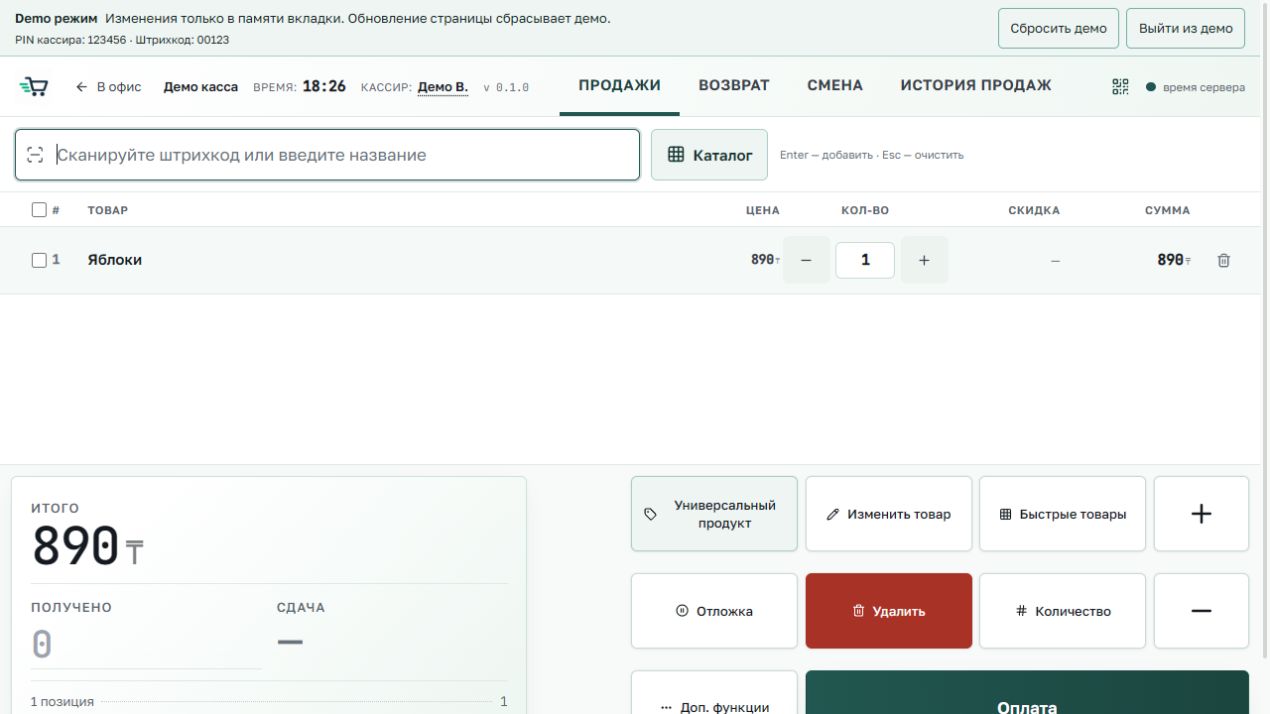
02 · CATALOGUE
Find goods by name or barcode.
The product catalogue includes records, barcodes, folders and prices. Separate views manage units, pricing and promotions.
Try the catalogue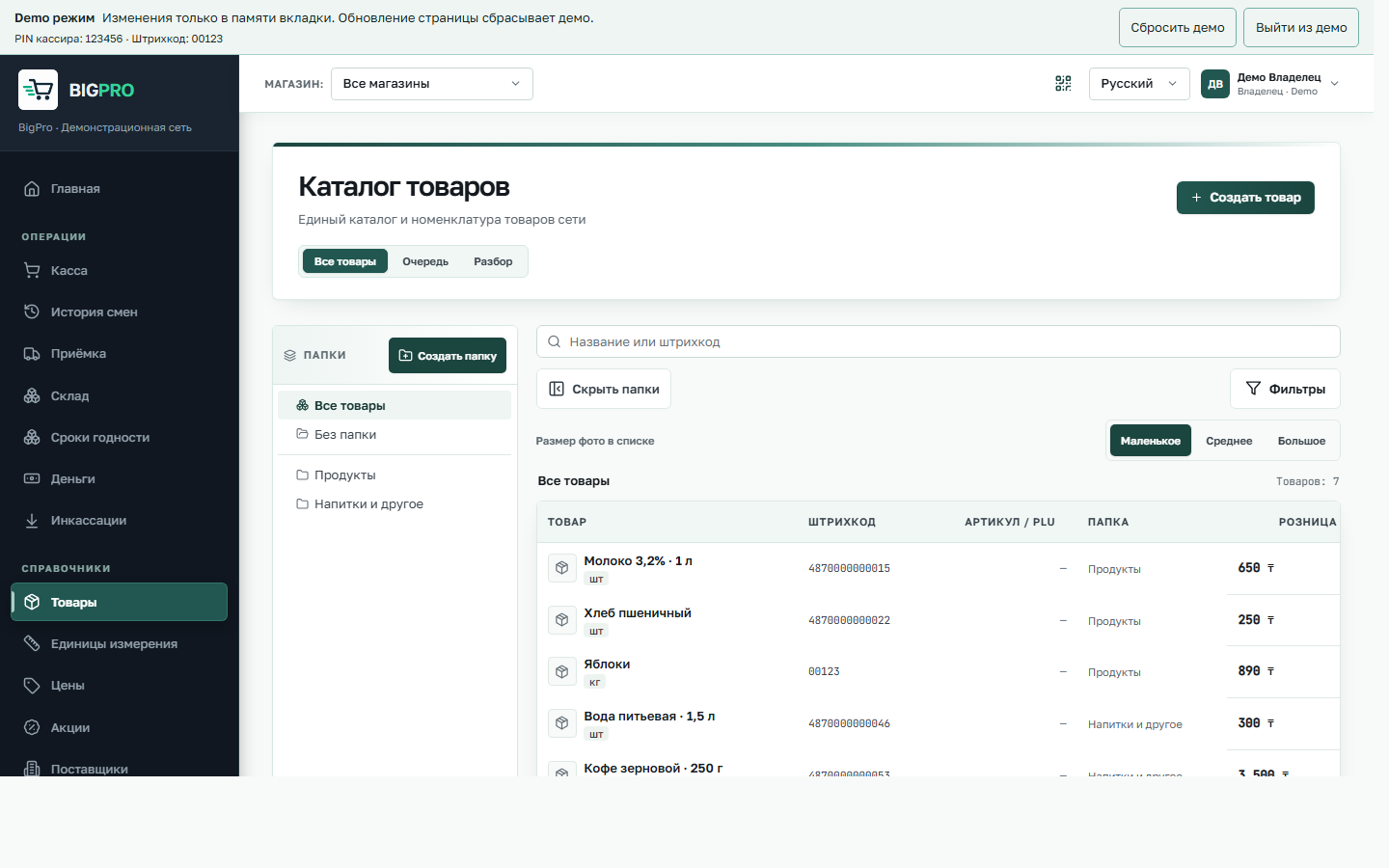
03 · STOCK
Availability by store.
The inventory view shows goods by location. Transfers, write-offs and stock counts are available according to permissions.
Try inventory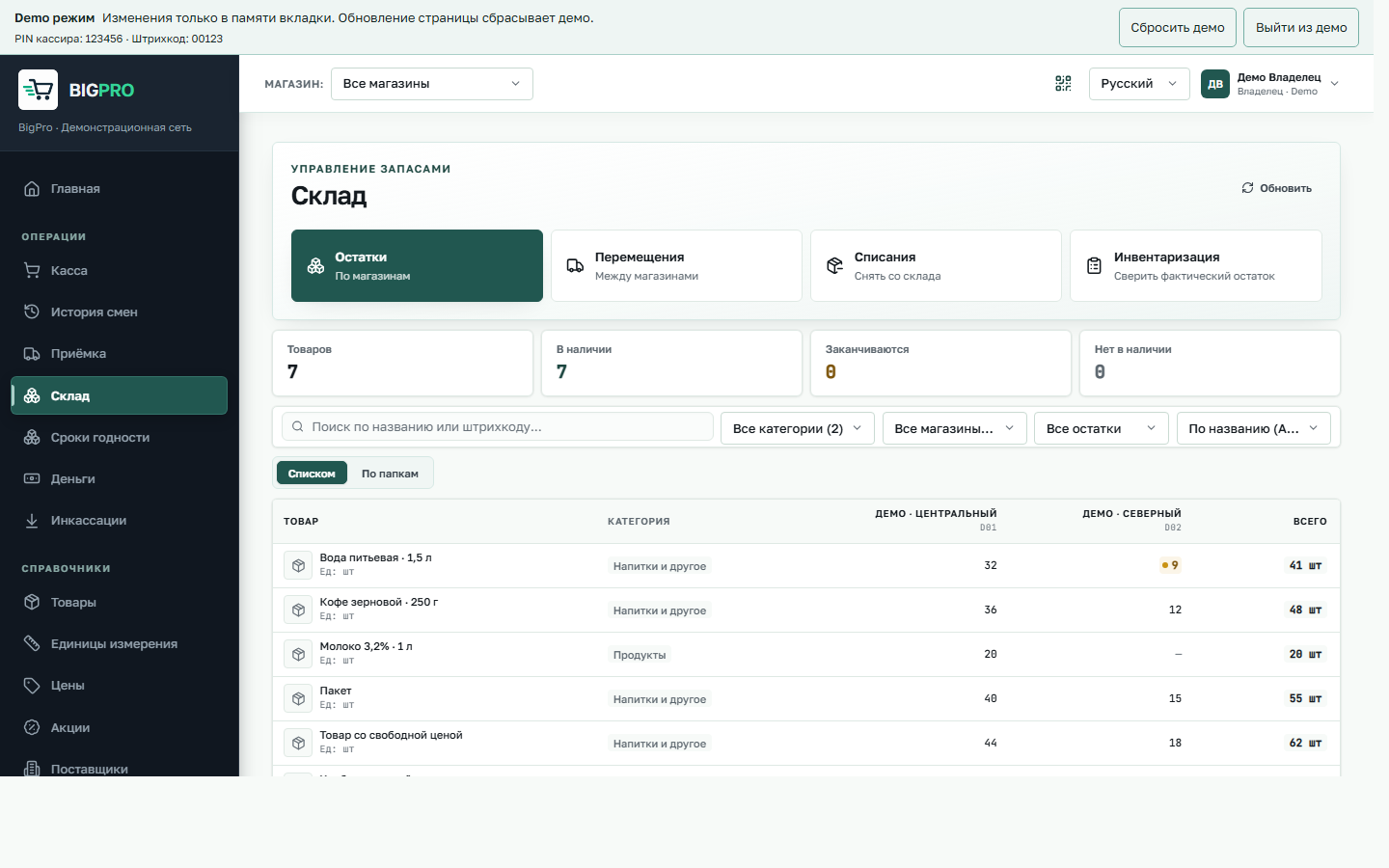
04 · RECEIVING
Documents and status in view.
Receiving provides search, drafts and new documents. Open the demo to see the current screen rather than an idealised illustration.
Open receiving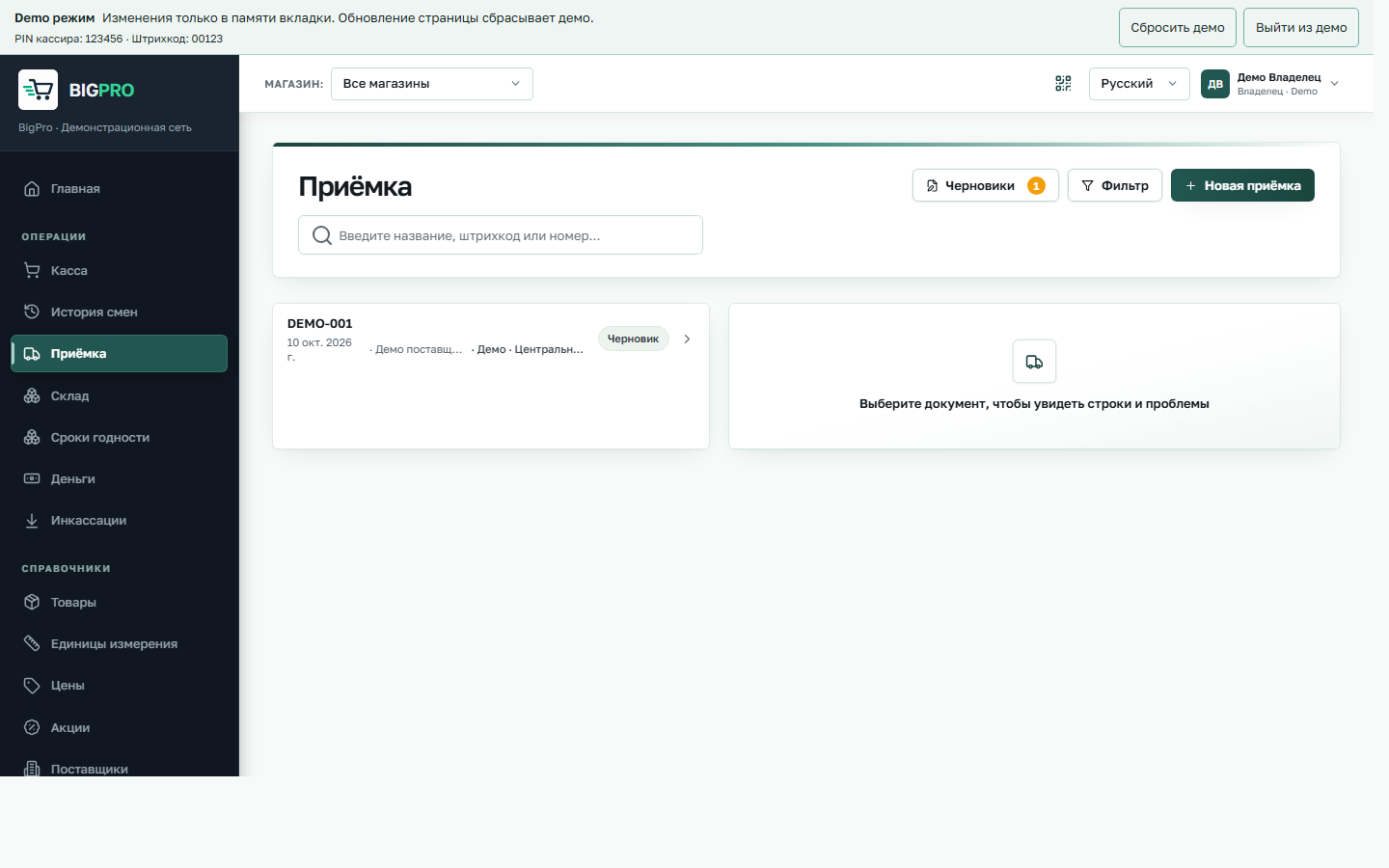
05 · REPORTING
Reports for specific questions.
BigPro includes reporting on sales, purchasing, stock, cash and recorded staff actions, each with its own measures and filters.
Open reports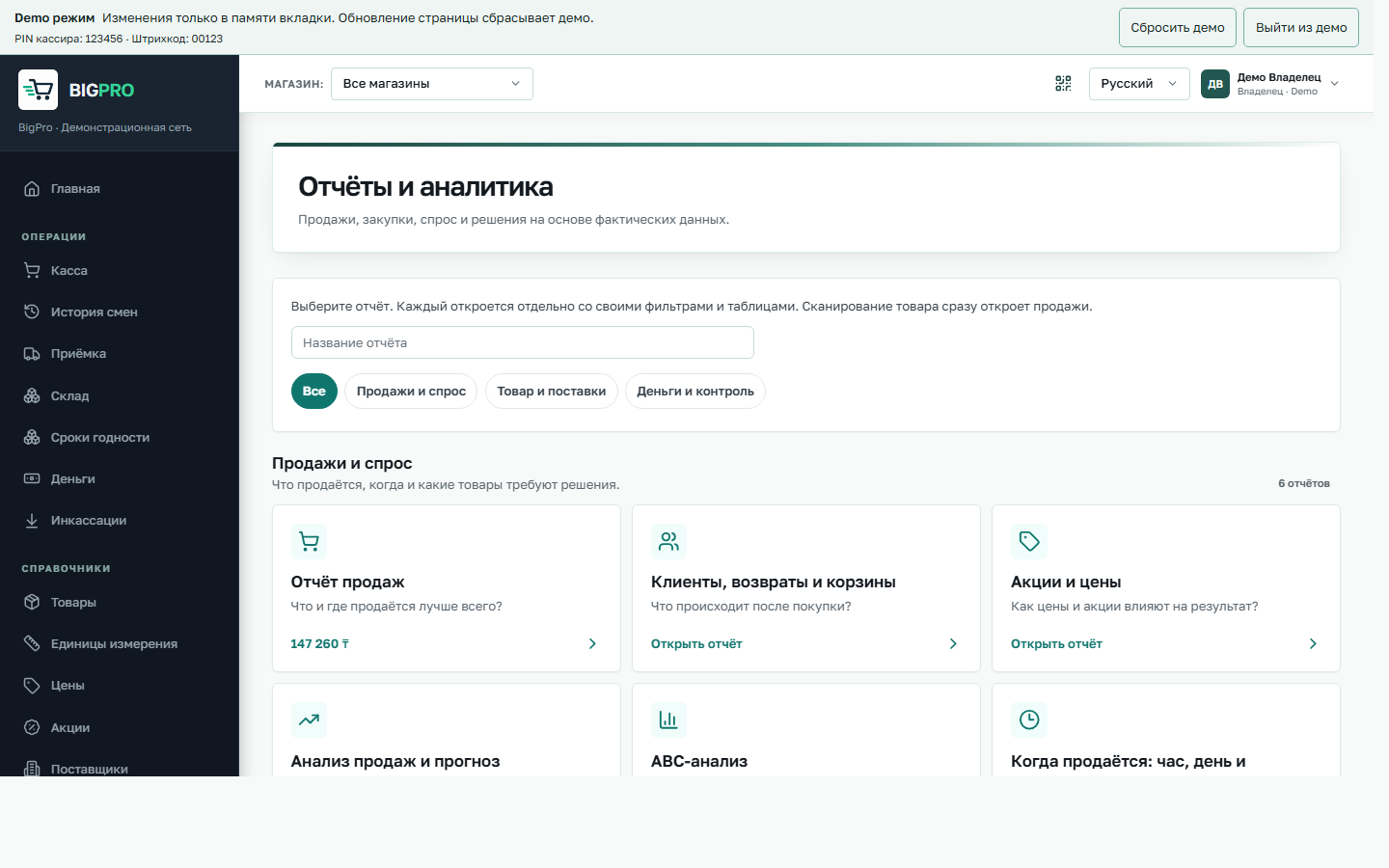
06 · ACCESS
Permissions by action.
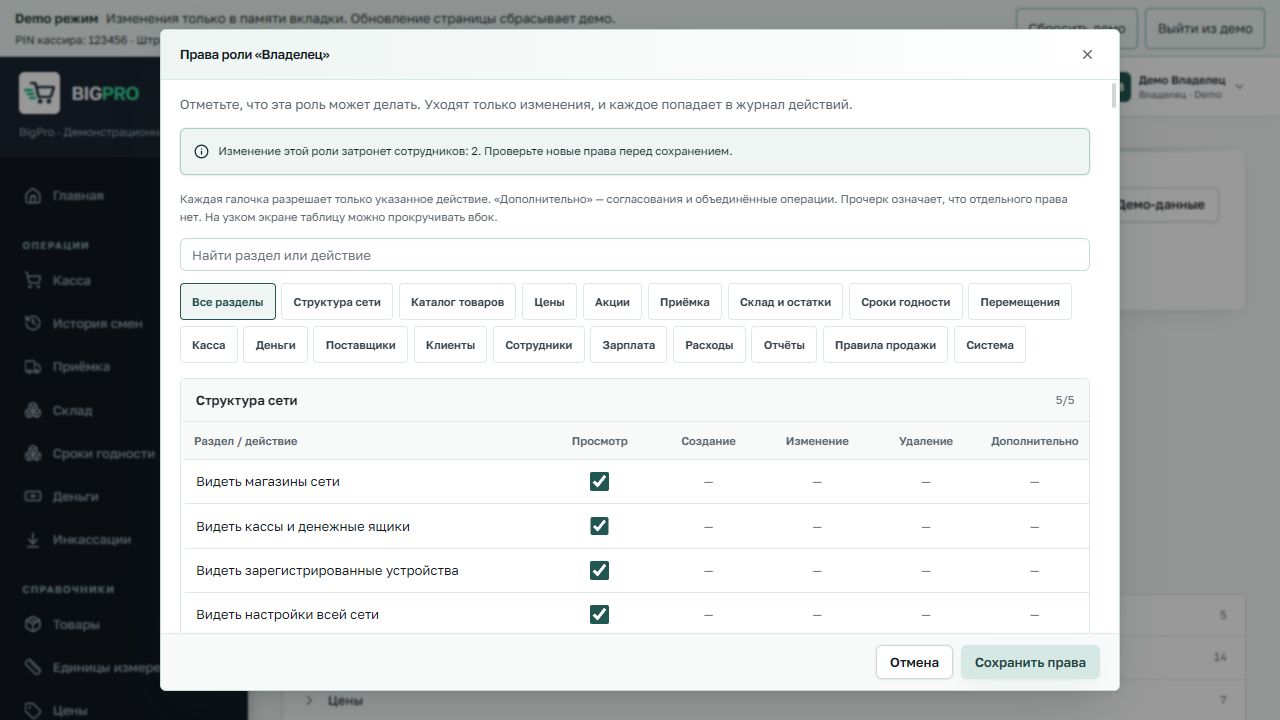
Administrators configure role permissions in a matrix. Employee access to sections, stores and tills follows assigned rights; significant changes are recorded in the action log.
See permissions