
INTERACTIVE DEMO

Open the product and check it yourself.

This is the actual BigPro interface with fictional stores, products and staff. It does not grant access to any organisation's live records.

Launch demo
BIGPRO / IN MOTION
Try the workflow

From barcode to receipt — in the interactive demo.

BIGPRO IN ACTION

See BigPro in action.

A product film on a till terminal screen. Press play or choose a chapter below to see how sales, stock and reports connect.

VIDEO / ROUTEFull overviewFilm chapters · fictional data
QualityOpen 4K separately ↗

The terminal is an illustration. The film shows the real interface using fictional data; 4K is a large file.

THREE SHORT PATHS

Where to begin.

01

Find a product and its stock

  1. Open Products.
  2. Find Apples or barcode 00123.
  3. Open Inventory to compare stores.
Start with products
02

Try a till

  1. Open Till and choose a demo register.
  2. Confirm the demo shift.
  3. Enter 00123 in the barcode field.
Open the till
03

Explore management

  1. Open Reports and choose a category.
  2. Find Roles & Permissions under Administration.
  3. Open the matrix without saving edits.
Open reports

ABOUT THE DEMO

Fictional data. Real interface.

The numbers, people and stores do not represent BigPro customers or results. Demo changes stay in the current tab and reset on refresh.
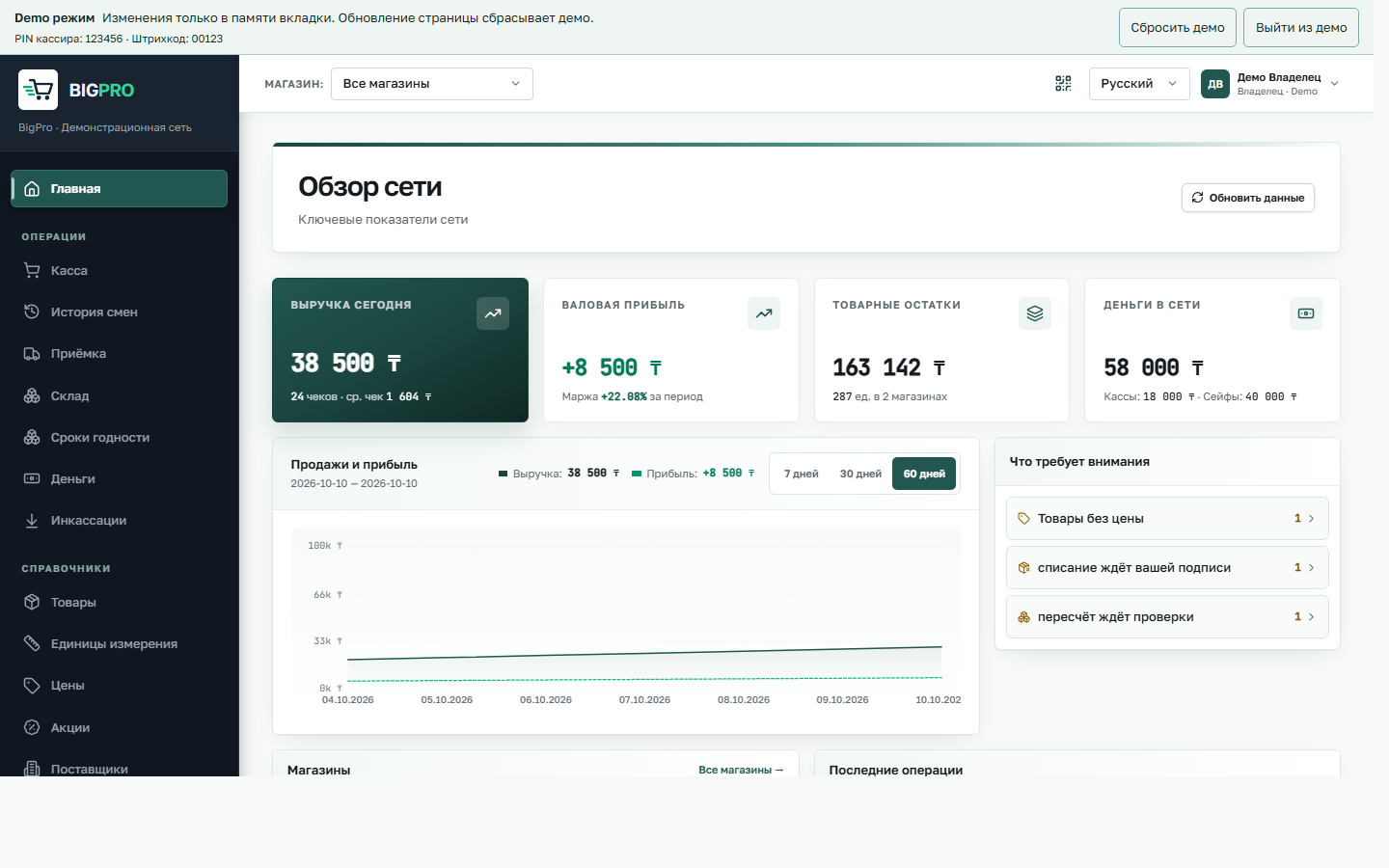
Actual BigPro overview with fictional demo data
Actual BigPro screen · fictional demo data. The same interface you reach after launching the demo. Interface shown in Russian; the ERP also offers English.

A SHIFT IN THE STORE

Achievements

Progress is stored only in this browser. Achievements stay when you restart the hunt.