
01 / 04 THE SHIFT BEGINS
RETAIL OPERATIONS · ONE SYSTEM
See what happens across your stores.
One action leads to the next: products, tills, stock and reporting connect in BigPro. Less manual checking makes a shift and a network easier to manage. The screens below use fictional demo data.
All featuresNo registration · Demo activity does not change live store records
STORE PULSE
Numbers gain context.
See sales, stock and receipts from different angles. Switch the metric or pick a day on the chart, then open a working report in the demo.
Chart values are illustrative. The demo shows the actual interface.
Daily sales add up to the weekly revenue.
Chart values
| Mon | Tue | Wed | Thu | Fri | Sat | Sun |
|---|---|---|---|---|---|---|
| 84 | 116 | 96 | 142 | 128 | 178 | 156 |
Illustrative data · not customer results
ALL CONNECTED
One store.
One flow.
From receiving goods to shift totals, BigPro connects everyday operations in one clear system.
BIGPRO IN ACTION
See BigPro in action.
A product film on a till terminal screen. Press play or choose a chapter below to see how sales, stock and reports connect.
NETWORK OVERVIEW
Your network.
One clear view.
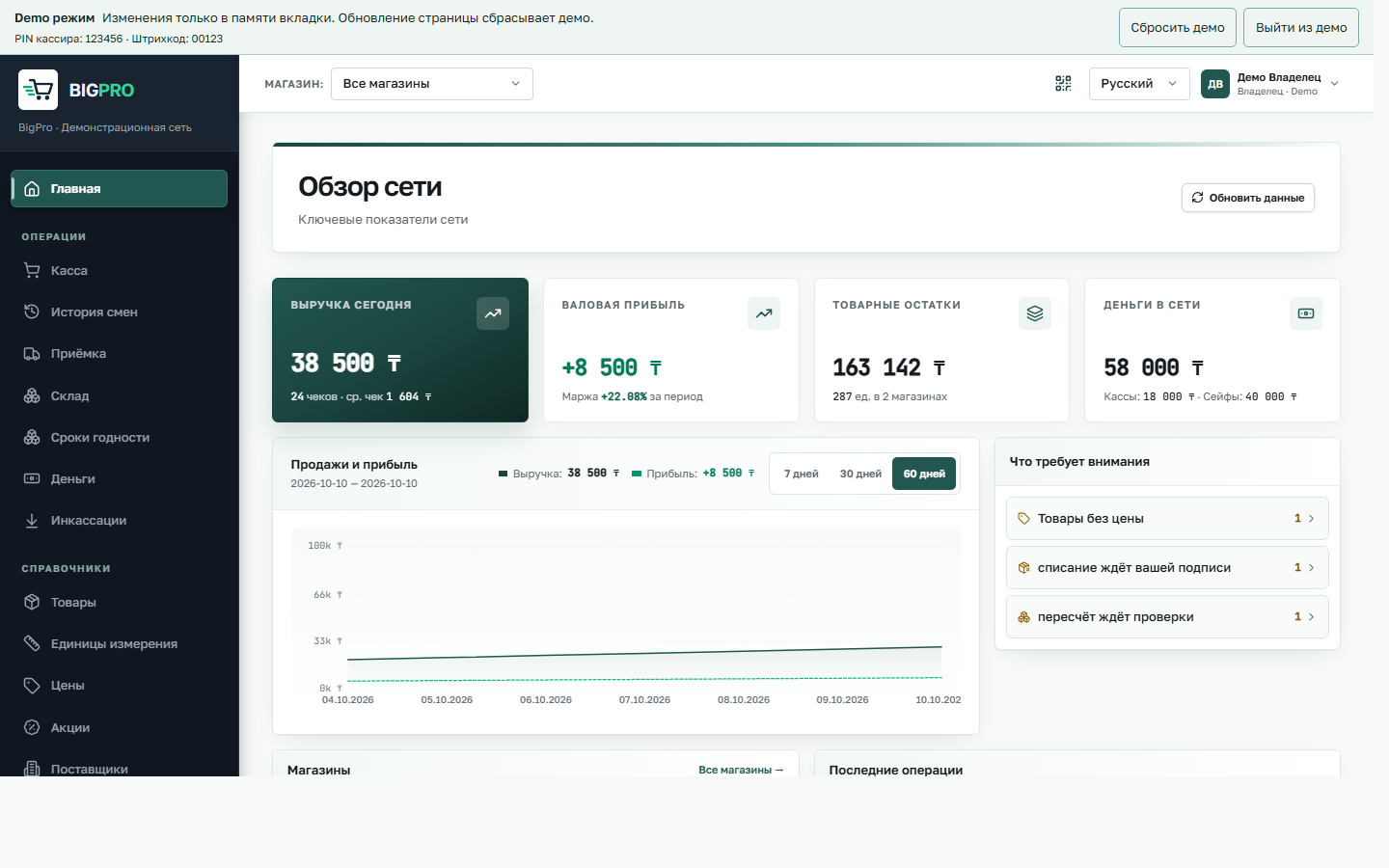
Revenue, profit, stock and items needing attention appear together. This is a working BigPro screen with fictional data.
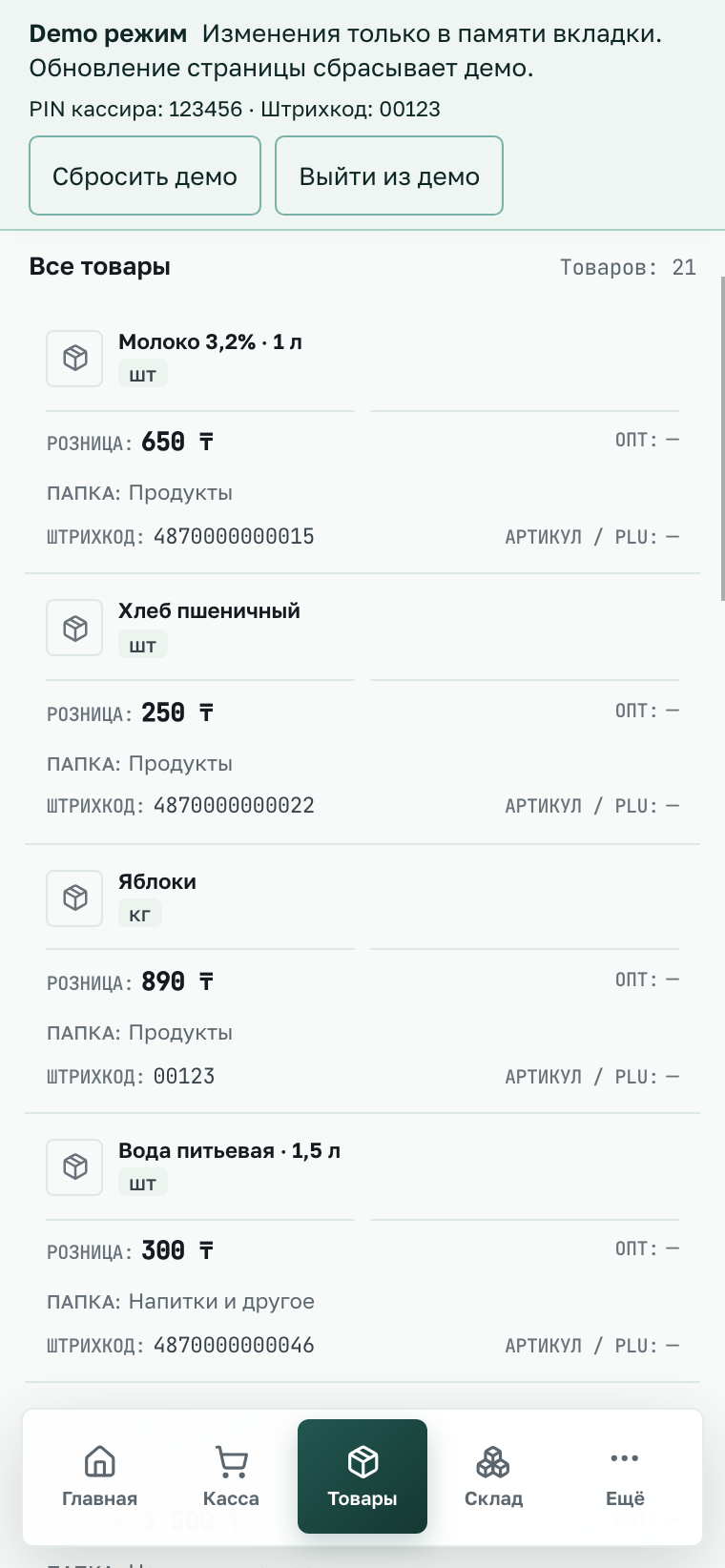
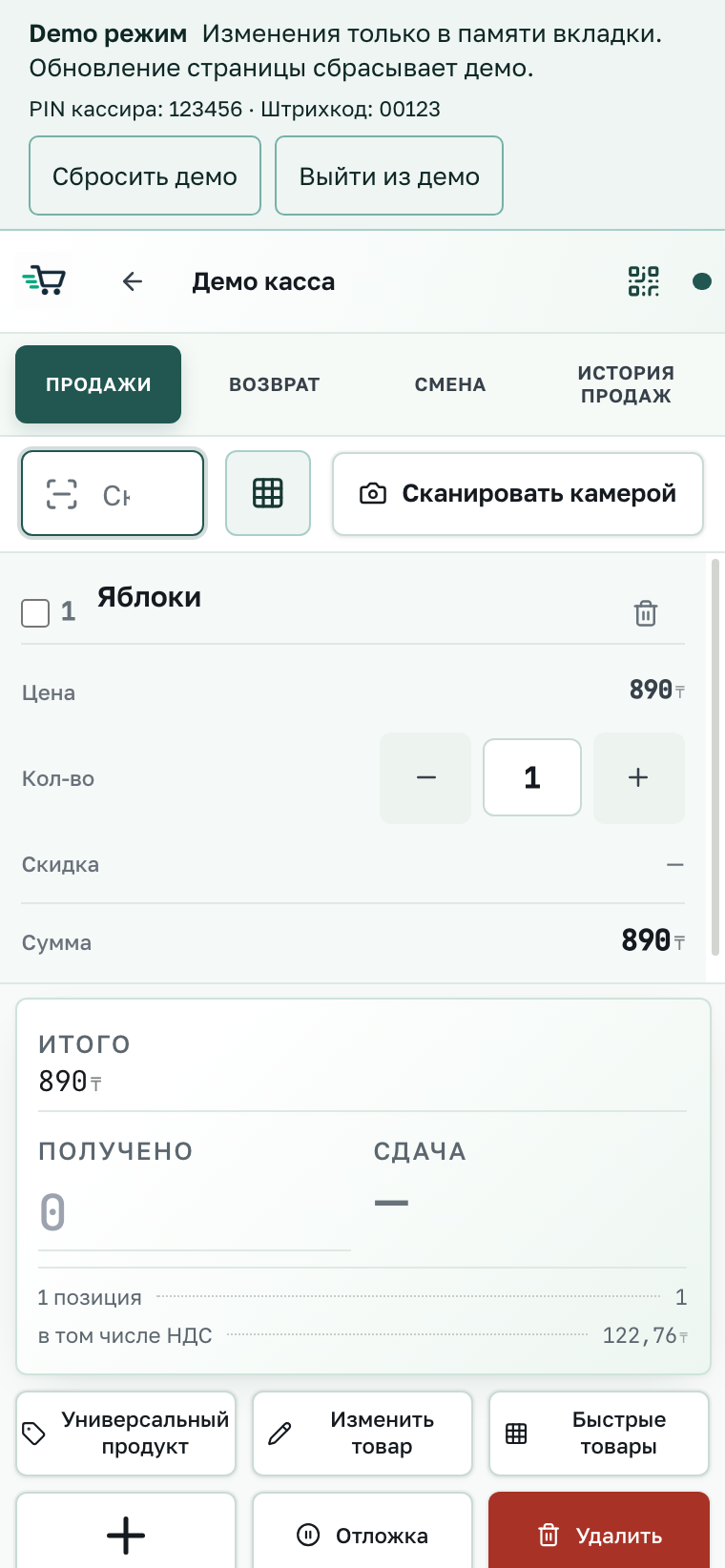
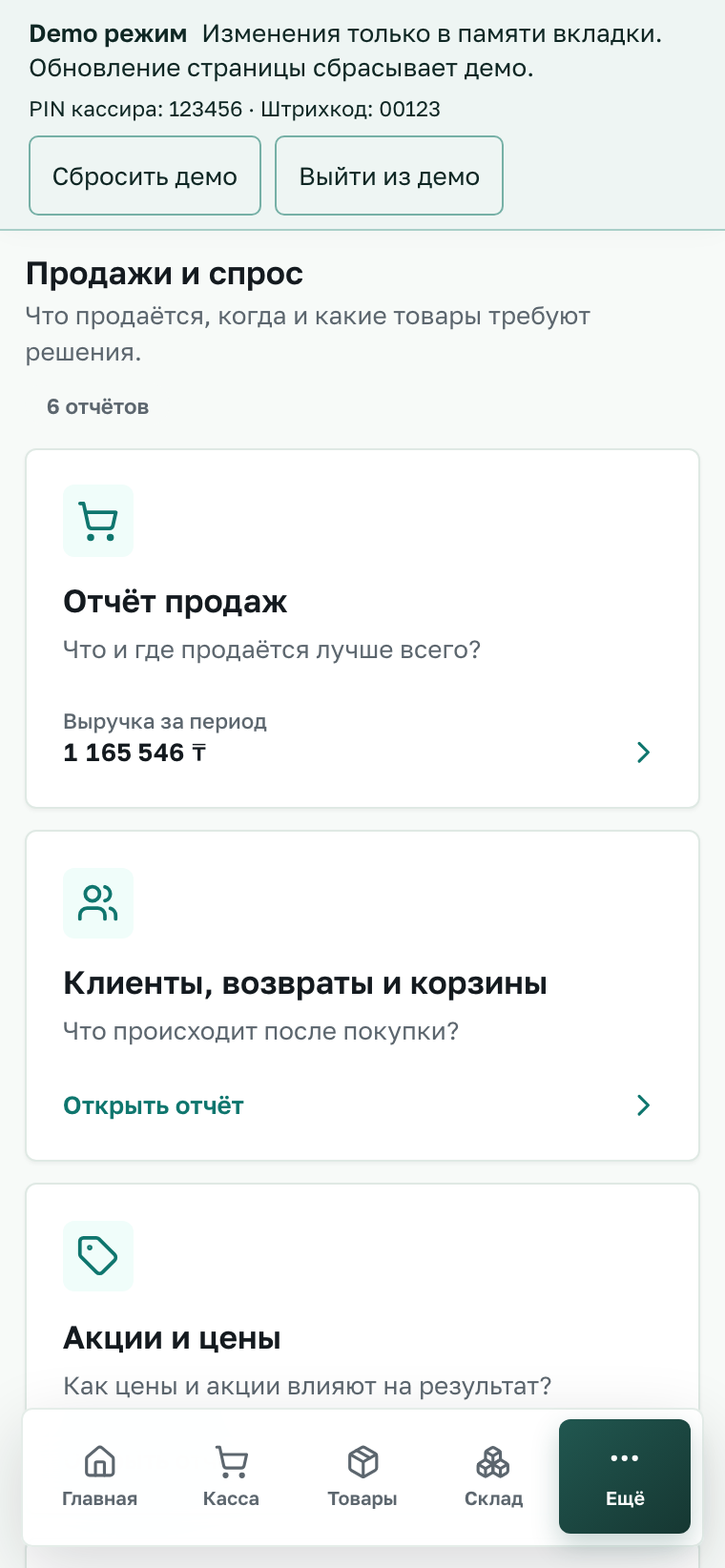
Open the network overviewCatalogue, till and reports on your phone.
These are BigPro mobile screens with fictional data. Choose a phone to open that section in the demo.
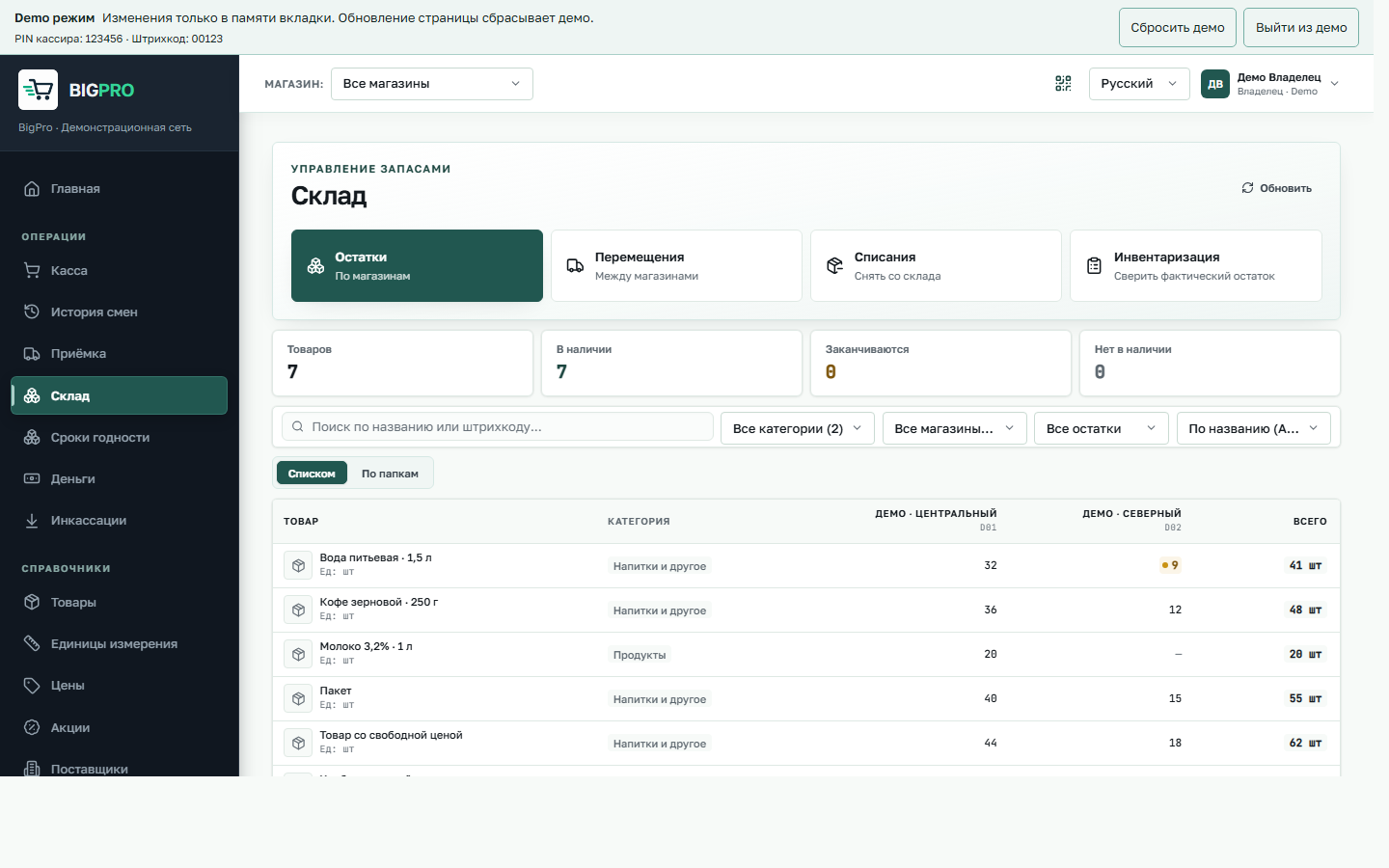
INVENTORY · TWO STORES
Stock, store by store.
One product, different quantities. Choose an item below to find its row on the actual screen and compare the two stores.
Open inventory in the demoFictional data, as throughout the demo.
AT THE TILL
Products on the belt. Total on the screen.
Find products across the site and tap them to scan. Or add them here by tapping the plus signs on the belt.
The mini-game needs JavaScript. The real till is in the demo: enter barcode 00123.
BIGPRO · TILL 01
Game receipt · not a fiscal document
TOTAL
Prices are illustrative. Thank you!
See the network come alive → Ring up a sale in the demoIn the demo till, enter barcode 00123 — the apples from your receipt.
AFTER A SALE
What happens after a sale
The till records a purchase. Revenue updates, stock changes, and the manager sees fresh information across the stores.
TRY IT YOURSELF
Go beyond the screenshot.
The demo has fictional stores and products and needs no operational account.